Blink
Local AI Image Generation
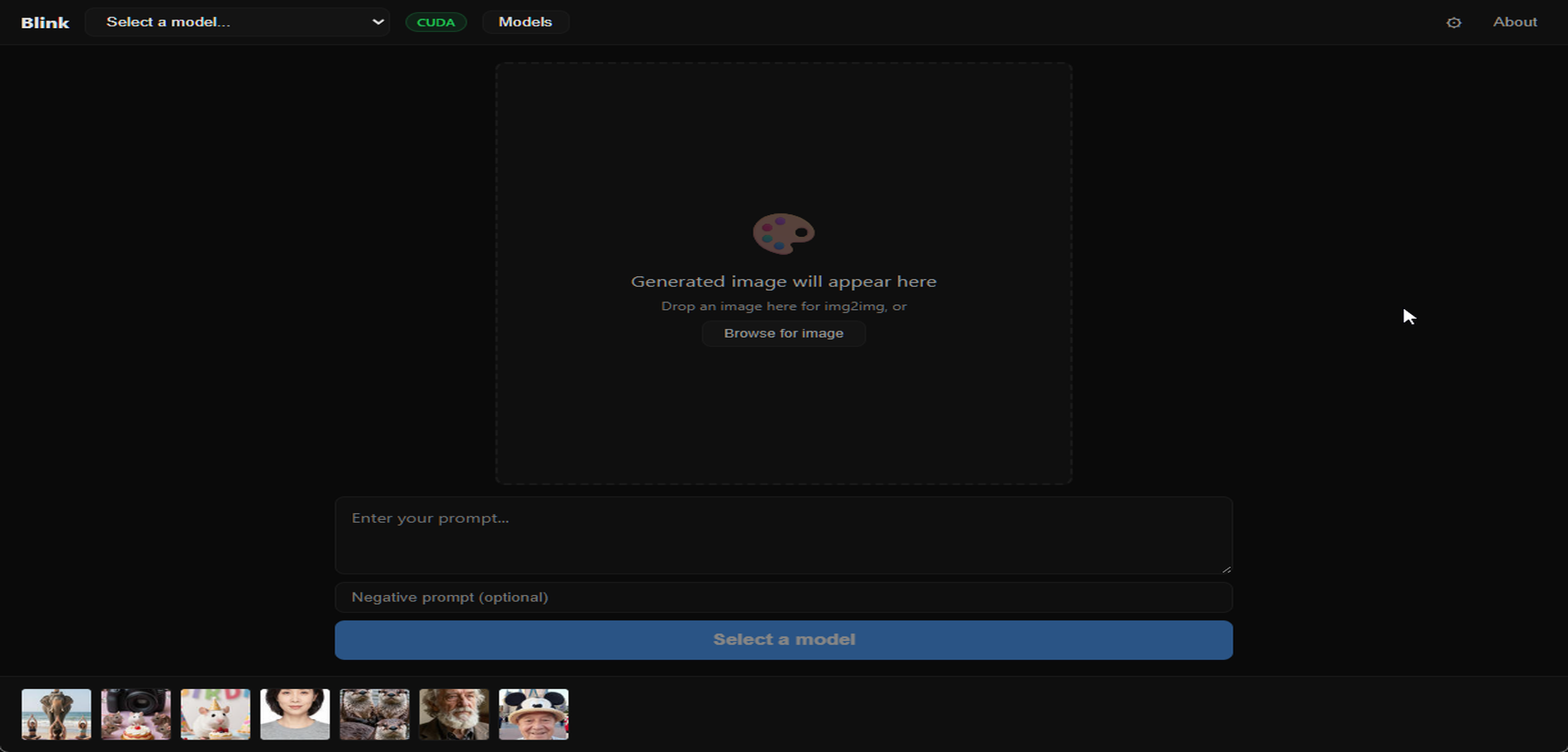
Type a prompt, get an image. Blink is a native desktop app for local AI image generation — no Python, no node graphs, no cloud dependency. Install it, pick a model, and start generating. Everything runs on your hardware.
Built with Tauri v2 and stable-diffusion.cpp, so there's no Python runtime to install, no environment to configure, and the app itself is under 10MB. GPU-accelerated on NVIDIA (CUDA), Apple Silicon (Metal), and AMD (Vulkan), with CPU fallback.
Model Support
Stable Diffusion 1.5, SDXL, Flux Schnell, Flux Dev, Z-Image Turbo, and FLUX Kontext for image editing. Built-in model browser with one-click downloads from HuggingFace, or import any model via custom URL. Smart defaults auto-apply optimal steps, CFG, size, and sampler when you switch models.
Beyond Text-to-Image
- Image Editing (Kontext) — load an image, describe changes, get an edited result
- Inpainting — paint a mask over areas to regenerate, with brush/eraser and feathered edges
- Image-to-Image — transform existing images with prompt guidance
- LoRA Support — load and stack up to 5 LoRA adapters per generation
- ESRGAN Upscaling — one-button 2x/4x upscaling with RealESRGAN models
- ControlNet — preserve structure during generation with canny edge detection
- Video Generation — text-to-video and image-to-video with Wan models
- Live Previews — see intermediate results during generation via TAESD
Why Blink
Most local image generation tools are either Mac-only (DiffusionBee, Draw Things), browser-based UIs wrapped around Python backends (ComfyUI, Fooocus), or aimed at power users who want node graphs. Blink is a native cross-platform app that just works — the kind of tool that should exist but didn't.
- Stack
- Tauri v2 (Rust), stable-diffusion.cpp, SolidJS
- GPU
- CUDA, Metal, Vulkan, OpenCL, CPU fallback
- Models
- SD 1.5, SDXL, Flux, Z-Image Turbo, Kontext, RealESRGAN, ControlNet
- Platforms
- Windows, macOS, Linux
- Status
- v0.3.0 (open source)
Open Source